
Summary
Editor's rating
Is it worth the price and what about filters?
Looks, size, and how it fits in a real room
Noise, daily use, and how it feels to live with it
How well it actually cleans the air
What you actually get and what it really covers
Smart features, app, and voice control in real life
Pros
- Cleans air efficiently in medium to large rooms with a strong CADR and 3‑stage HEPA filter
- Very quiet on Sleep/low speeds and comfortable to run 24/7 in a bedroom or living room
- Useful smart features (Auto mode, app control, PM2.5 display, schedules) that actually help day-to-day
Cons
- Replacement filters are relatively expensive and need changing every 6–12 months
- Coverage claims for very large or open-plan spaces are optimistic; one unit won’t handle a whole big floor perfectly
- Occasional Wi‑Fi/app hiccups and setup can be a bit fiddly for non-technical users

Specifications
View full product page →| Brand | Levoit |
Why I ended up buying this air purifier
I bought the Levoit Core 400S mainly because my allergies were getting on my nerves and my living room always had a light layer of dust, even a day after cleaning. I’ve used cheaper purifiers before (the small desktop ones and a basic dumb HEPA box with just a dial), and they were… fine, but I never really felt a big difference. This time I wanted something with a proper HEPA filter, an actual CADR rating, and ideally an app so I don’t have to get up to poke buttons every time.
I’ve been using the Core 400S for a few weeks now in a fairly normal setup: one unit in a medium-large living room that’s open to a hallway, plus I’ve dragged it into the bedroom a few nights to see how it behaves there. I also have a cheap PM2.5 monitor from Amazon, so I could at least compare the numbers and see if the sensor on the purifier is in the same ballpark. Nothing super scientific, but enough to tell if it’s just a noisy fan or if it actually cleans the air.
From day one, what stood out was how quiet it is on the lower speeds and how quickly it reacts to stuff like cooking, candles, or cleaning sprays. When I fry food or use a lot of cleaning products, the ring on top goes from blue to orange or red in seconds and the fan ramps up on its own. The air in the room definitely feels less stuffy after 15–20 minutes on higher speed, and there’s less smell hanging around compared to before.
It’s not perfect though. The coverage numbers on the product page are a bit optimistic if you actually have an open-plan space, the filters aren’t cheap, and the app/Wi‑Fi side sometimes needs a bit of patience to set up. But overall, as a regular person just trying to breathe easier and deal with dust, pets, and pollen, it feels like a pretty solid upgrade compared to the basic purifiers I’ve used before.
Is it worth the price and what about filters?
On price, the Core 400S sits in the middle: not bargain-bin cheap, but not top-tier premium either. You’re paying for a decent CADR, a proper HEPA setup, and the smart features. For what it does, I’d say the value is pretty solid, especially if you catch it on sale. Compared to the really cheap no-name purifiers I’ve tried, this one actually moves enough air to make a difference in a medium to large room, and the sensor-driven Auto mode means you’re not constantly fiddling with fan speeds.
Where the cost sneaks up on you is filter replacements. The official Levoit Core-400S-RF filter isn’t cheap, and they recommend changing it every 6–12 months depending on usage and air quality. If you have pets, smoke, or live in a polluted city, you’re probably closer to the 6–9 month mark. The app tracks filter life as a percentage, which is handy, but it’s still a recurring cost you need to factor in. You can find third-party filters for less, but that’s a bit of a gamble on quality, and Levoit obviously pushes their own.
Electricity usage is reasonable: 24W max isn’t huge. Running it 24/7 on Auto or Sleep shouldn’t wreck your bill, especially compared to something like an electric heater or AC. So the real ongoing money drain is filters, not power. If you only plan to run it a few hours a day, you’ll stretch the filter life further, but in my experience the real benefit comes from letting it run most of the time, so you have to accept that cost.
Compared to other brands at a similar price, you can probably find slightly cheaper units without Wi‑Fi and voice control, or more expensive ones with extra bells and whistles. For me, the 400S hits a good balance: strong enough for a typical living room or large bedroom, quiet enough to leave on, and smart enough to mostly take care of itself. It’s not the cheapest way to filter air, but if you value a bit of automation and you actually care about seeing air quality numbers, the price feels fair. If you just want a basic fan with a filter and don’t care about apps or sensors, you could save money with a simpler model.
Looks, size, and how it fits in a real room
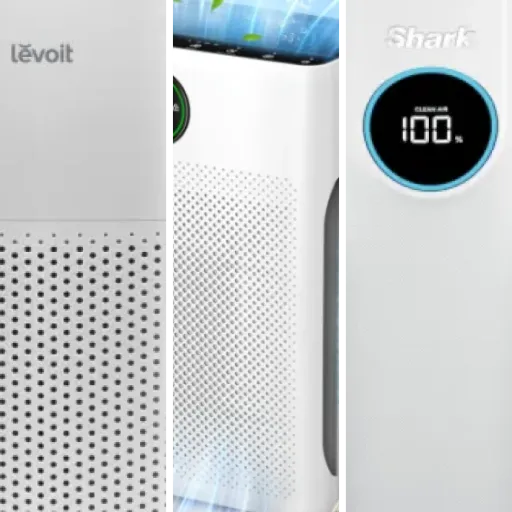
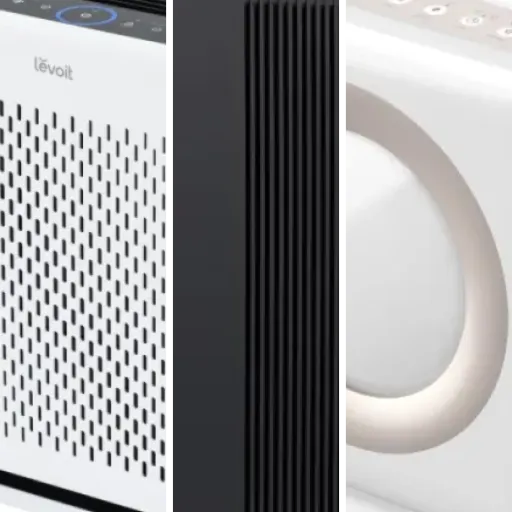
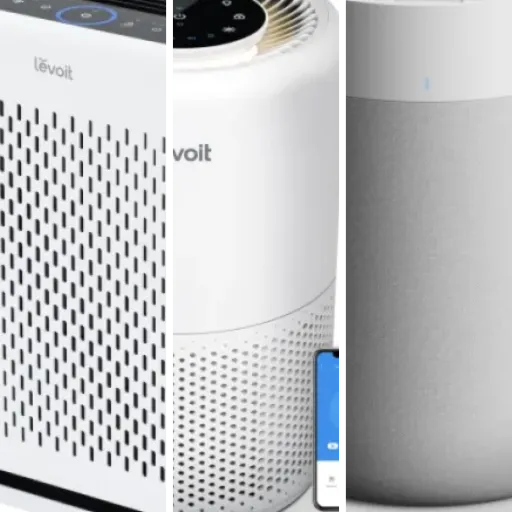
Design-wise, the Core 400S is pretty neutral. It’s an off‑white cylinder with a perforated lower half where it sucks in air and a top grille where it blows the clean air out. No fancy chrome, no weird shapes. If you’ve seen other Levoit purifiers, it looks similar, just a bit larger. For me, that’s a plus: it doesn’t draw attention in the corner of the room, it just sits there and does its thing. If you like super flashy tech, this isn’t that, but for a living room or bedroom it blends in fine.
The footprint is about 27.4 x 27.4 cm and the height is around 52 cm, so it’s roughly the size of a small side table. It’s not tiny, but it’s also not a giant tower. I can easily tuck it next to a sofa or near a wall without it getting in the way. The weight (just under 5 kg) is light enough that I can grab it with one hand and move it between rooms. I’ve done that a few evenings when I wanted it in the bedroom, and it’s not a big chore. There are no wheels, but at this weight you don’t really need them.
The top control panel is clear and easy to read. You get a coloured ring that shows air quality (blue/green = good, yellow/orange = moderate, red = bad), plus a small display with the PM2.5 number. I like having the actual number instead of just a vague “good/bad” light. What’s also nice is the light sensor: when the room gets dark, the display can turn off automatically, so you’re not stuck with a bright LED ring glowing in your face at night. You can also manually kill the lights via the app or the button if you’re picky about darkness.
One small downside: the plastic is clearly plastic. It doesn’t feel cheap or flimsy, but it’s not anything fancy either. If you bump it with a chair or vacuum, it’ll probably scratch eventually. The air intake all around the bottom also means you need to give it a bit of breathing room; if you push it right against a wall or furniture, you’re blocking part of the intake. I ended up leaving at least 15–20 cm around it for best airflow, which is something to keep in mind if your room is cramped.
Noise, daily use, and how it feels to live with it
In terms of comfort, the main points are noise, airflow, and how much it annoys you (or not) in daily life. On Sleep mode, this purifier is very easy to live with. The noise is more like a soft air movement, not a harsh fan sound. I’ve had it running a meter from the bed and after a few minutes I basically forget it’s on. Sometimes I’ve had to check the display to be sure it’s actually running, which matches what some other users say. If you’re sensitive to background noise, this is one of the better behaved ones I’ve tried.
On Auto, the comfort depends on your air. If you cook a lot, use candles, or have pets kicking up dust, you’ll hear it ramp up now and then. It’s not deafening, but on high it’s clearly audible and not something you’d want right next to your head while watching a quiet movie. For me, the compromise is simple: I leave it closer to the center of the room during the day, and if I’m sitting right next to it and it kicks up to high, I either move it a bit further away or just accept 15–20 minutes of louder airflow while it cleans.
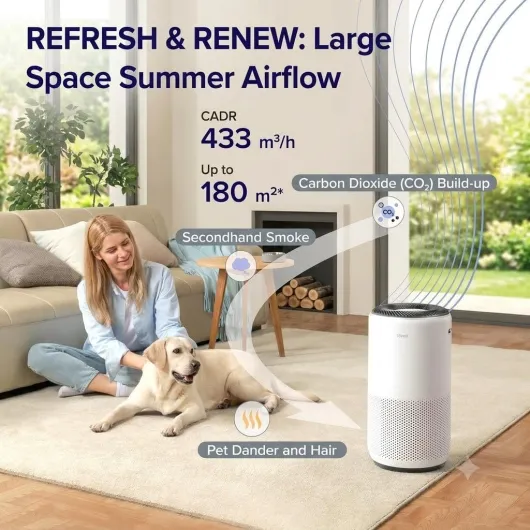
The airflow itself is actually kind of nice in summer. On higher speeds, you can feel a gentle cool breeze if you’re near the top grille. It’s not a fan replacement, but in a stuffy room it makes the air feel less stagnant. Controls are straightforward: one tap for Sleep, one tap for Auto, and you can also set a timer (1–12 hours) if you don’t want it running all night. The child lock is handy if you’ve got kids who like to press every button in sight.
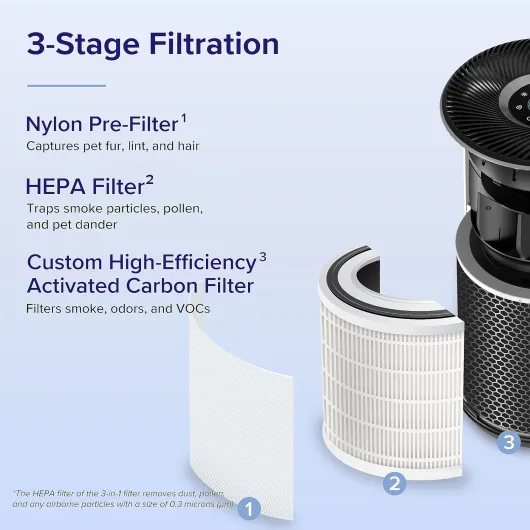
One comfort downside is filter maintenance. The pre-filter (the outer mesh) collects a surprising amount of fluff and hair in a week, especially if you have pets. You’re supposed to vacuum it regularly, and you really should, because if you ignore it, the machine has to work harder and gets noisier for the same airflow. It’s not a huge job (2–3 minutes with a handheld vacuum), but it is one more thing on the chore list. Also, if you’re very picky about total darkness, you’ll want to use the light-off mode or Sleep mode to get rid of the display glow at night.
How well it actually cleans the air
Performance is where this thing earns its keep. The Core 400S has a 3‑stage HEPA filter (pre-filter, HEPA, and activated carbon) and a 360° intake. In practice, that means it pulls air from all sides and spits it out the top. I tested it in two scenarios: normal daily use in the living room, and more “stress test” situations like cooking, vacuuming, and spraying cleaning products. In both cases, the PM2.5 sensor on the unit and my separate cheap monitor reacted in a similar way, which gives me some confidence that the sensor isn’t just for show.
On a regular day with windows closed, the unit usually sits in Auto with the ring blue/green and the PM2.5 number under 10–12. If I start cooking (especially frying or using the oven), it jumps to orange or red within a minute or two, and the fan ramps up from barely audible to a noticeable whoosh. After about 20 minutes of that, the number drops back down and the fan slowly calms down. Before I had this, cooking smells and a bit of smoke would hang around for much longer. Now the room clears faster and the smell is less intense. It doesn’t magically erase all smell instantly, but there’s a real difference.
For dust and allergies, I noticed it most when I skipped vacuuming for a few days. Normally my TV stand and shelves get a thin dust layer pretty quickly. With the purifier running most of the day, dust still appears (it’s not magic), but it builds up slower. During a pollen spike outside, my nose usually starts acting up even indoors. With the Core 400S on Auto 24/7, I still had some symptoms, but they were less strong and I didn’t wake up with that heavy, clogged feeling as often. It’s not a cure, but it helps enough that I notice.
Noise-wise, performance is a trade-off. On Sleep mode or speed 1, it’s genuinely very quiet; you can easily sleep next to it if you’re not hyper-sensitive to sound. On speed 3 or 4 (max), it’s loud enough that you’ll notice it during a TV show and you might raise the volume a bit. That said, you usually only need the top speed for short bursts when the air is actually bad. The rest of the time, Auto keeps it pretty low. Power consumption is listed at 24W, which is fairly modest; running it all day on lower speeds isn’t going to destroy your electric bill.
What you actually get and what it really covers
Out of the box, the Levoit Core 400S is basically a single cylinder unit, a pre-installed 3‑stage filter (you still have to unwrap it, don’t forget), a quick start guide, and not much else. No remote, no extra filters, just the main device. Setup is simple: take off the base, pull the plastic off the filter, put it back in, plug it in, and you’re done. Then you can pair it with the VeSync app if you want the smart features. It took me about 10–15 minutes from cutting the tape on the box to having it running in Auto mode.
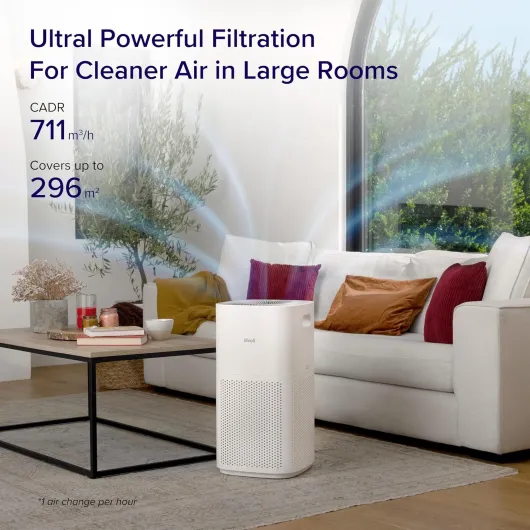
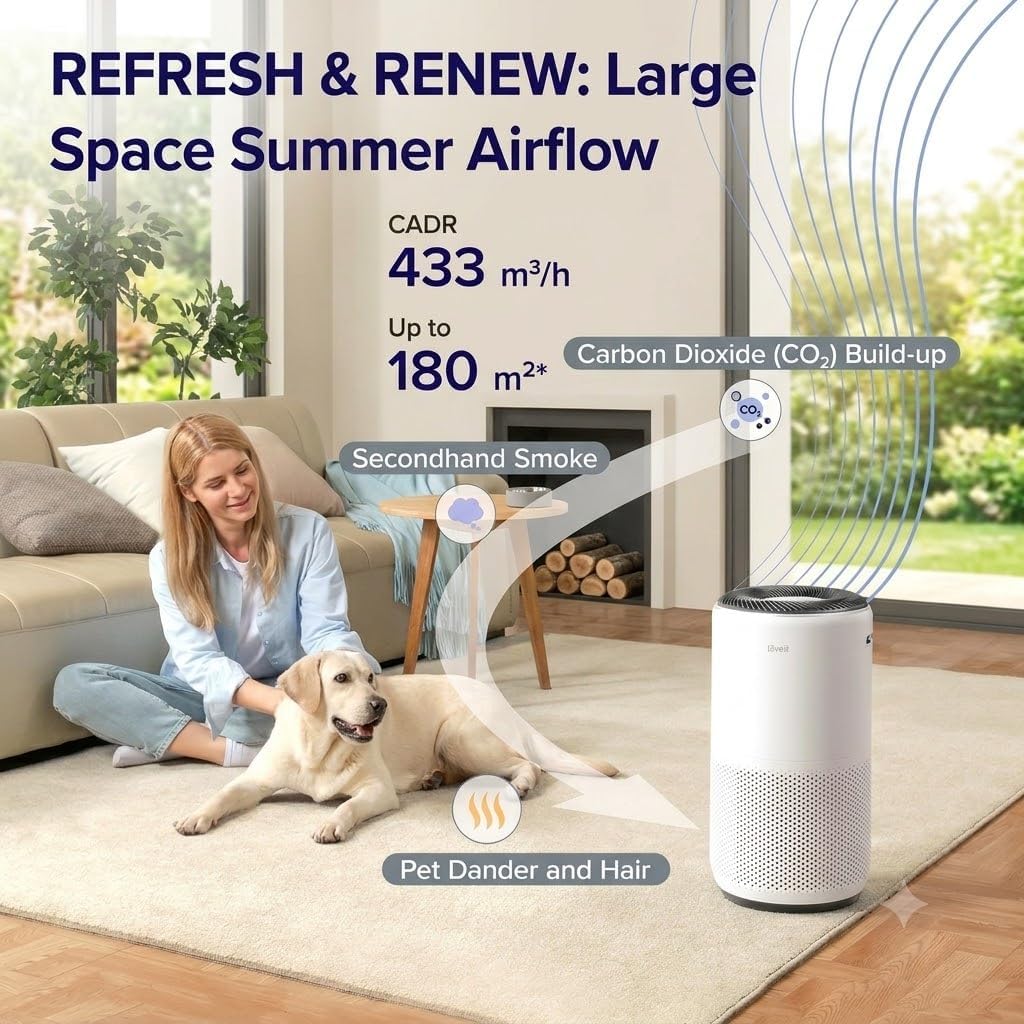
One thing that’s a bit confusing is the coverage claims. The listing throws around numbers like 166 m² and 1787 square feet, but then in the small print it basically says it’s good for about 80 m² in a closed room and not really meant for huge open-concept spaces over 180 m². In real life, I’d say it’s very comfortable in the 25–40 m² range (typical living room or big bedroom). In my semi-open living/dining area (around 45–50 m² with doors open), it still helps, but the air quality takes longer to stabilize after cooking or vacuuming.
The CADR is listed as 400 m³/h, which matches how it feels: when I put it on the highest speed, my cheap PM2.5 sensor drops from 40–50 µg/m³ (after cooking or burning a candle) to under 10 in about 20–30 minutes in my living room. So the numbers are not just marketing fluff, it does push a lot of air when it wants to. But if you’re expecting it to completely handle a huge open-plan floor by itself, you’ll probably be underwhelmed; you’d either need more than one unit or accept that it’s more of a “main room” solution.
In terms of day-to-day use, the controls on top are straightforward: power, fan speed, Auto, Sleep, display lock, light control, and a timer. If you never touch the app, it’s still easy enough for someone who hates tech. My partner basically just leaves it on Auto and ignores it. The only thing that might throw people off is the filter reset light, but the app tells you exactly when to replace it, so it’s hard to mess up once you know where to look.
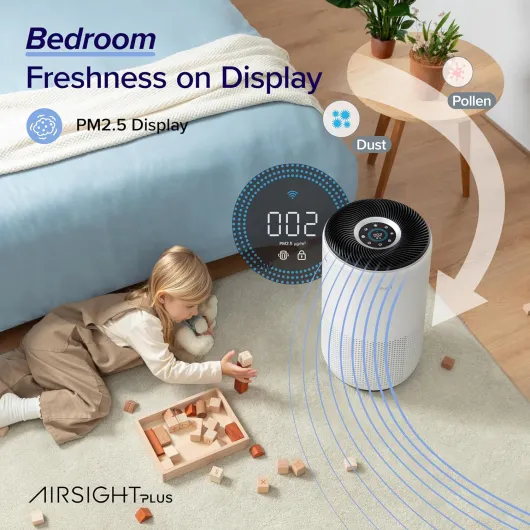
Smart features, app, and voice control in real life
The smart side is where this purifier stands out compared to basic models. It connects via Wi‑Fi and Bluetooth to the VeSync app, and from there you can do pretty much everything: turn it on/off, change modes, set schedules, check PM2.5 levels, and see the remaining filter life. Pairing it the first time took me two tries (the app didn’t see it right away), but once it was set up, it’s been mostly stable. I did have one random disconnect where I had to re-add it, which was annoying but not a disaster since the physical buttons always work.
The app is simple enough that even someone who isn’t into tech can handle it. You can set a schedule like: Sleep mode from 11 pm to 7 am, Auto the rest of the day. I’ve set mine to go to Sleep mode automatically around bedtime, so I don’t have to think about it. The real-time PM2.5 graph is a bit nerdy, but kind of interesting. You can literally see spikes when you cook, vacuum, or open the window on a polluted day, and then watch it come back down as the purifier does its job.
Voice control with Alexa/Google Assistant works, but it’s more of a nice extra than something I use constantly. Saying “Alexa, turn on the air purifier” is handy when your hands are dirty from cooking, but beyond that I mostly forget it’s there. The response time is decent (a second or two). If you hate the idea of using an app or voice assistants, you can ignore all of this; the purifier is fully usable with just the buttons, and Auto mode already handles most of the decisions.
The only mild complaint on the smart side is that the app sometimes feels a bit slow to refresh the PM2.5 number or the filter percentage, especially if your Wi‑Fi isn’t great. Also, if you’re not comfortable creating yet another account and linking it to Alexa or Google, then part of what you’re paying for here is kind of wasted. For me, the scheduling and the ability to check the air quality when I’m not home are nice bonuses, but not essential. The core value is still the hardware and filtration, not the app.
Pros
- Cleans air efficiently in medium to large rooms with a strong CADR and 3‑stage HEPA filter
- Very quiet on Sleep/low speeds and comfortable to run 24/7 in a bedroom or living room
- Useful smart features (Auto mode, app control, PM2.5 display, schedules) that actually help day-to-day
Cons
- Replacement filters are relatively expensive and need changing every 6–12 months
- Coverage claims for very large or open-plan spaces are optimistic; one unit won’t handle a whole big floor perfectly
- Occasional Wi‑Fi/app hiccups and setup can be a bit fiddly for non-technical users
Conclusion
Editor's rating
Overall, the Levoit Core 400S is a good all-round air purifier for people who want something they can plug in, leave on Auto, and forget about most of the time. It cleans the air effectively in medium to large rooms, reacts quickly to pollution spikes from cooking or dust, and stays very quiet on its lower speeds. The built-in PM2.5 sensor and 3‑stage HEPA filter feel like more than just marketing, especially when you see your separate air quality monitor drop in sync with the purifier’s readings. For allergies, dust, and general “stuffy room” issues, it genuinely helps.
It’s not perfect. The big coverage numbers in the listing are a bit optimistic for open-plan spaces, the replacement filters are not cheap, and the app/Wi‑Fi side can be a bit fussy at first. If you don’t care about smart features, you might feel like you’re paying for extras you don’t fully use. But if you like the idea of scheduling, seeing the air quality on your phone, and letting Auto mode do the work, then it’s a nice balance of performance and convenience.
I’d say it’s a good fit if you have pets, mild to strong allergies, or you’re in a city with regular pollution and you want cleaner air without dealing with noisy industrial-looking units. If your place is a huge open loft, or you’re on a tight budget and hate the idea of paying for filters every year, you might want to look at either multiple smaller units or a simpler, cheaper purifier. For a typical flat or house with normal-sized rooms, though, the Core 400S gets the job done and feels like money reasonably well spent.