

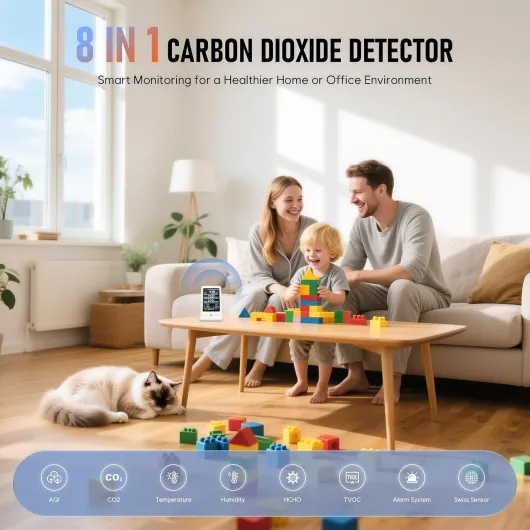
Understanding the basics of air quality monitors
How air quality monitors work in your home
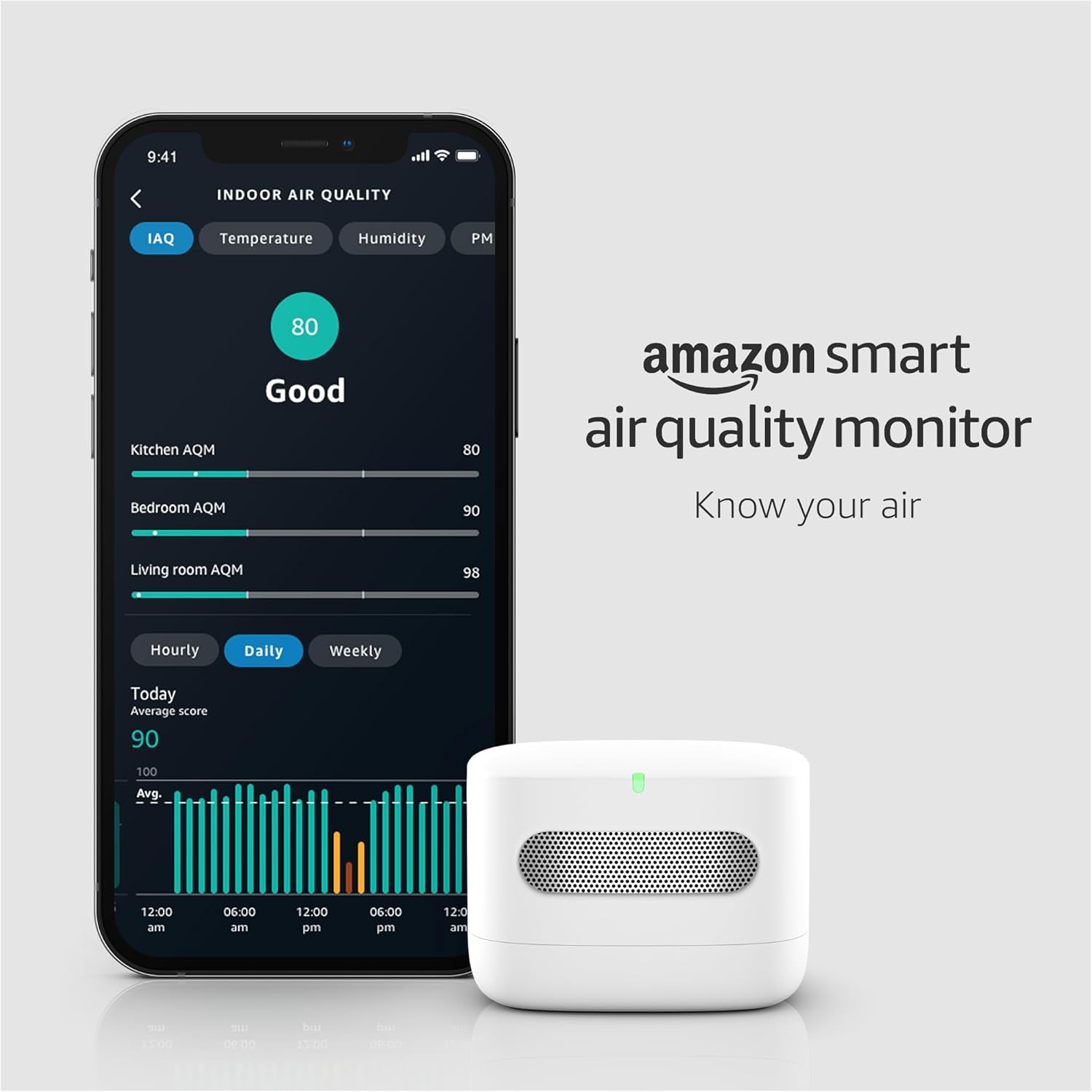
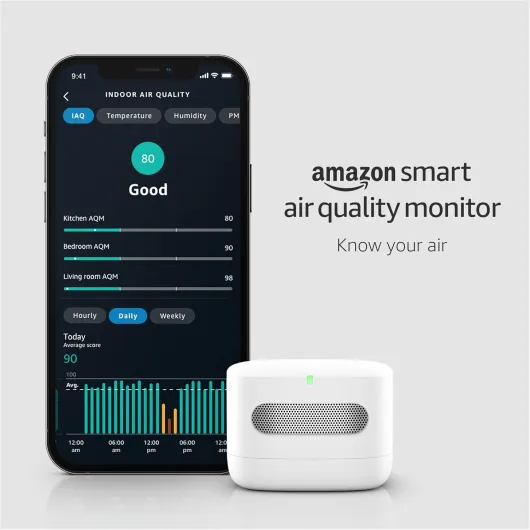
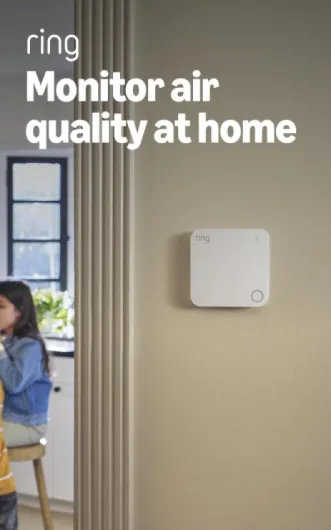
Air quality monitors are devices designed to track the presence of pollutants and particles in your indoor air. These monitors use a range of sensors to detect and measure different substances, such as particulate matter (PM), volatile organic compounds (VOCs), carbon dioxide (CO2), and sometimes even carbon monoxide. By providing real time data, these devices help you understand the quality of the air you breathe and alert you to high levels of pollution or unhealthy conditions.
- Particulate matter sensors measure tiny particles suspended in the air, often labeled as PM2.5 or PM10, which can impact respiratory health.
- VOC sensors detect gases released from household products, paints, or cleaning agents, which can contribute to poor indoor air quality.
- CO2 sensors monitor carbon dioxide levels, which can indicate ventilation issues or overcrowded spaces.
Most quality monitors display their readings in units like micrograms per cubic meter (µg/m³) for particles, or parts per million (ppm) for gases. High readings may signal a need for action, such as increasing ventilation or using air purifiers. The accuracy of these devices can vary, especially with low cost sensors, but they still provide valuable insights for quality monitoring at home.
For those interested in the technology behind these monitors sensors and how advanced models work, you can learn more in this detailed overview of advanced air quality monitoring. Understanding the basics of your device will help you interpret monitor readings and make informed decisions about your health and indoor environment.

Key metrics displayed on your monitor
What Your Air Quality Monitor Is Telling You
When you look at your air quality monitor, you’ll see a range of numbers and terms. These readings come from sensors inside the device, each designed to track specific pollutants or conditions in your indoor air. Understanding what these metrics mean is key to making sense of your air quality data and taking steps to protect your health.
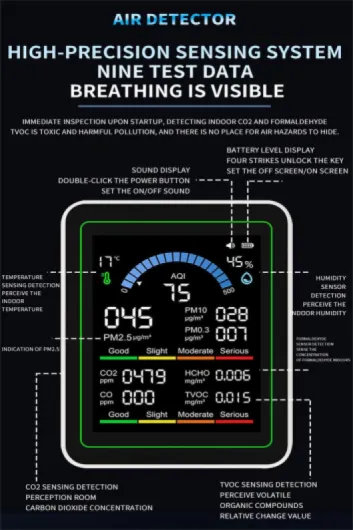
- Particulate Matter (PM): Most quality monitors measure PM2.5 and PM10. These numbers refer to the size of airborne particles in micrometers. High readings can signal dust, smoke, or pollution in your ambient air. PM2.5 is especially important for health, as these tiny particles can penetrate deep into your lungs.
- Volatile Organic Compounds (VOCs): VOCs are gases released from products like paints, cleaning agents, and furniture. Monitors with VOC sensors provide readings in parts per million (ppm) or parts per billion (ppb). High levels can affect indoor air quality and may cause irritation or other health issues.
- Carbon Dioxide (CO₂): Some devices track CO₂ levels, which can indicate how well-ventilated your space is. High CO₂ readings often mean it’s time to let in fresh air.
- Temperature and Humidity: These are basic but important for comfort and can influence how pollutants behave indoors. High humidity can make particle pollution worse, while very dry air can irritate your respiratory system.
- Air Quality Index (AQI): Many monitors convert sensor data into an AQI value, which gives a quick snapshot of overall air quality. This number is often color-coded for easy interpretation.
It’s important to note that low cost sensors may not always provide laboratory-grade accuracy, but they are useful for real time quality monitoring and spotting trends in your indoor air. For a deeper dive into advanced monitoring, you can read about the P-Trak 8525 and advanced air quality monitoring.
By regularly checking your monitor readings, you’ll be able to spot high levels of pollution or sudden changes in air quality. This helps you respond quickly, whether by adjusting your air purifiers, improving ventilation, or identifying sources of indoor air pollution. Remember, the accuracy of your device depends on proper placement and regular maintenance, which we’ll cover in other sections.
Interpreting air quality index (AQI) values
Making Sense of AQI Numbers on Your Device
When you look at your air quality monitor, one of the most prominent readings you’ll see is the Air Quality Index (AQI). This value gives a snapshot of how clean or polluted your indoor air is, based on data from the device’s sensors. AQI is a standardized scale, making it easier to compare air quality across different monitors and locations.
- 0-50 (Good): Air pollution poses little or no risk. Your monitor readings should show low levels of particulate matter (PM), volatile organic compounds (VOCs), and carbon dioxide (CO₂).
- 51-100 (Moderate): Acceptable air quality, but there may be a risk for some sensitive individuals. You might notice slightly higher readings for PM or VOCs.
- 101-150 (Unhealthy for Sensitive Groups): People with respiratory issues or allergies should be cautious. Monitors may show high levels of certain pollutants, especially during activities like cooking or cleaning.
- 151-200 (Unhealthy): Everyone may start to experience health effects. High readings on your device indicate significant air pollution, and action is recommended.
- 201 and above (Very Unhealthy to Hazardous): Serious health risks for everyone. Immediate steps should be taken to reduce exposure and improve indoor air quality.
Most quality monitors use sensors to measure pollutants like particulate matter (PM2.5 and PM10), VOCs, and CO₂, then calculate the AQI based on these readings. Some low cost sensors may not be as accurate as professional-grade devices, but they still provide valuable real time insights for indoor air quality monitoring.
It’s important to remember that AQI values reflect short term air quality. High readings can be caused by specific activities or events, such as burning candles, cooking, or outdoor air pollution entering your home. Monitoring these fluctuations helps you understand patterns and take action when high levels are detected.
For a deeper understanding of how to choose the right filter for your air purifier, which can help lower your AQI readings, check out this guide on choosing the right 20x20x5 air filters for your air purifier.
By regularly reviewing your monitor readings and understanding what the AQI values mean, you can make informed decisions to protect your health and improve your indoor environment.
What to do when your monitor shows poor air quality
Steps to Take When Your Air Quality Monitor Detects High Levels
When your air quality monitor shows high readings, it’s important to act quickly to protect your health and improve your indoor air. High levels of particulate matter, volatile organic compounds (VOCs), or carbon dioxide (CO2) can indicate poor air quality and potential risks. Here’s what you can do:- Identify the pollutant: Check which metric is elevated. Is it particulate matter (PM2.5 or PM10), VOCs, or CO2? Your device’s sensors and display will show this data, often in ppm (parts per million) or micrograms per cubic meter (µg/m³).
- Ventilate your space: Open windows and doors to increase airflow and dilute indoor air pollution. This is especially effective for high VOCs or CO2 levels.
- Use air purifiers: If your monitor readings indicate high particle or VOC levels, running an air purifier with a HEPA filter can help reduce airborne pollutants. Make sure your device is appropriately sized for the room and that filters are replaced regularly for maximum effectiveness.
- Limit pollution sources: Identify and reduce activities that may be causing spikes, such as cooking, burning candles, or using cleaning products with strong chemicals. Monitoring real time data can help you spot patterns and adjust your habits.
- Check sensor accuracy: Low cost sensors in some monitors may be less accurate. If you see consistently high readings, consider cross-checking with another device or professional quality monitoring equipment.
- Monitor short term and long term trends: Occasional high readings may not be a concern, but persistent high levels of air pollution can impact health. Track your quality data over time to see if interventions are effective.
When to Seek Professional Help
If your quality monitor consistently reports poor air quality despite your efforts, or if you experience health symptoms like headaches, coughing, or allergies, it may be time to consult an indoor air quality specialist. They can use advanced devices to provide more accurate readings and recommend targeted solutions.Remember the Limitations of Your Device
Not all air quality monitors sensors are created equal. Some low cost monitors may only measure a limited range of pollutants or may be affected by humidity and temperature. Always interpret your monitor readings in context, and use multiple strategies to ensure a healthy indoor environment.Common mistakes when reading an air quality monitor
Misreading the Numbers: Common Pitfalls
When using air quality monitors, it’s easy to misinterpret the data if you’re not familiar with how these devices work. Here are some frequent mistakes people make when reading their monitor’s sensor data:
- Ignoring Calibration Needs: Many low cost sensors require regular calibration to maintain accuracy. If your device isn’t calibrated, the readings—especially for particulate matter (PM) or carbon dioxide (CO2)—can be misleading.
- Confusing Units: Air quality monitors display data in different units, such as parts per million (ppm) for gases or micrograms per cubic meter (µg/m³) for particles. Mixing these up can lead to wrong conclusions about indoor air pollution levels.
- Overlooking Sensor Limitations: Not all monitors sensors are created equal. Some devices are sensitive to certain pollutants but may miss others, like volatile organic compounds (VOCs) or fine particulate matter. Relying on a single sensor for comprehensive air quality monitoring can result in incomplete quality data.
- Misinterpreting Short-Term Spikes: High readings in real time might not always mean persistent pollution. Cooking, cleaning, or even opening a window can cause temporary spikes. It’s important to consider trends over time rather than reacting to every high reading.
- Assuming Outdoor and Indoor Air Are the Same: Ambient air quality can differ significantly from indoor air, especially if you use air purifiers or have specific sources of indoor pollution. Always check if your monitor is set up for the right environment.
- Neglecting Device Placement: Placing your monitor too close to pollution sources or air purifiers can skew the results. For more accurate monitoring, position your device in a central area away from direct sources.
Understanding these common mistakes will help you get more reliable information from your air quality monitor and make better decisions for your health and indoor environment.
How air purifiers impact your monitor’s readings
How Air Purifiers Influence Your Monitor’s Data
When you use an air purifier in your home, you’ll likely notice changes in your air quality monitor readings. Air purifiers are designed to reduce pollutants like particulate matter (PM), volatile organic compounds (VOCs), and sometimes even carbon dioxide (CO2), depending on the device. This can have a direct impact on the numbers you see on your monitor, especially if you’re tracking real time data.
- Particulate Matter (PM): Air purifiers with HEPA filters are effective at removing fine particles from ambient air. If your monitor’s sensors show a drop in PM2.5 or PM10 levels after running your purifier, that’s a sign the device is working as intended.
- VOCs: Some air purifiers use activated carbon filters to target VOCs. If your monitor is equipped with a VOC sensor, you may see lower VOC readings after the purifier has been running for a while. However, not all devices are equally effective at VOC removal, so results can vary.
- Carbon Dioxide (CO2): Most standard air purifiers do not remove CO2. If your monitor shows high CO2 levels, you may need to improve ventilation rather than rely on your purifier.
Short-Term vs. Long-Term Monitoring
It’s important to understand that air purifiers can cause short term fluctuations in your monitor readings. For example, turning on a purifier in a closed room may quickly lower particle counts, but VOC and CO2 levels might take longer to change. Monitoring over several hours or days gives a more accurate picture of your indoor air quality improvements.
Accuracy and Placement Matter
The accuracy of your monitor’s sensors and the placement of both the air purifier and the monitor itself play a big role in the quality data you collect. Low cost sensors can sometimes lag behind real changes in air pollution, and placing your monitor too close to the purifier’s air outlet may give artificially low readings. For best results, position your quality monitor away from direct airflow and in a spot that represents the general ambient air of the room.
What High Readings After Purification Mean
If your monitor still shows high levels of pollution after running your air purifier, it could be due to several factors:
- The purifier’s filter may need replacing.
- The device may not be powerful enough for the room size.
- There could be ongoing sources of pollution indoors.
- Monitor sensors may need calibration or cleaning.
Regularly reviewing your monitor readings and understanding the limitations of both your air purifier and your monitoring device will help you make informed decisions for your health and indoor air quality.